Free · No sign-up · Runs in your browser
Spotify Canvas converter and size checker
Drop in a video to see whether it meets the Canvas specs. Then crop it to 9:16, pick the seconds you want and download an MP4 ready for Spotify for Artists.
Your files stay on your device. Nothing is uploaded.
How to use it
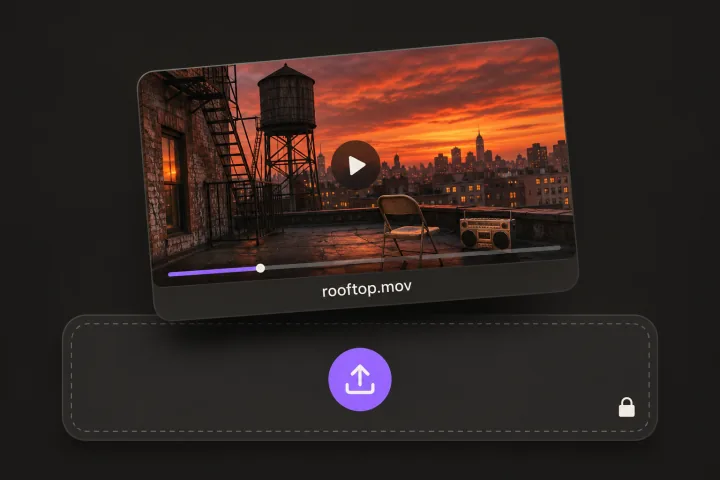
Drop in a video
Any MP4, MOV or WebM from your phone or editor. It stays on your device.
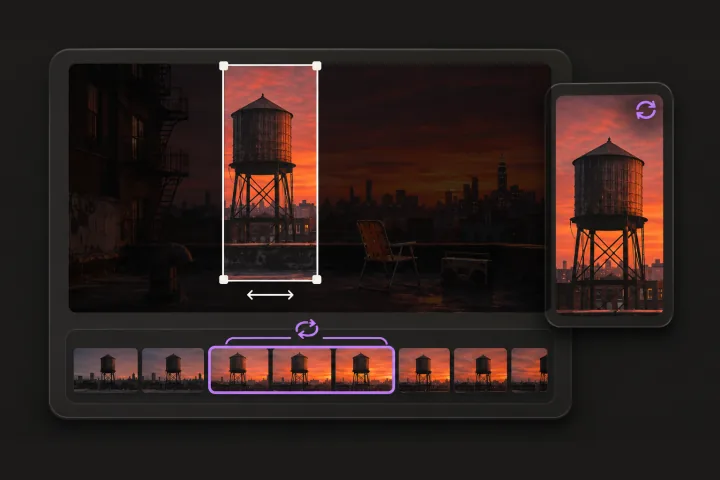
Pick the frame and the seconds
Slide to choose which part of the picture to keep and where the loop starts. The preview loops just like Canvas.
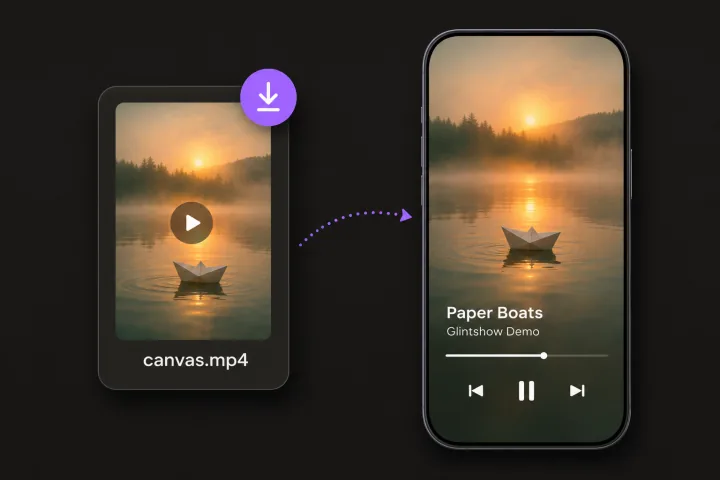
Convert and upload
Download the MP4 and add it to your song in Spotify for Artists.
Spotify Canvas specs and tips
A Canvas is the short looping video that plays instead of your cover art in Spotify's Now Playing view. Here is what Spotify asks for, and what makes a good one.
| Aspect ratio | Vertical 9:16 |
|---|---|
| Length | 3 to 8 seconds |
| Size | At least 720 × 1280; most people use 1080 × 1920 |
| File | An MP4 video, or a single JPG image |
| Sound | Not used: your song plays while the Canvas loops |
What makes a good Canvas
Plan the loop
Spotify describes three ways to loop: seamless, a hard cut, or a rebound that plays forward and then backward. Pick one on purpose so the restart doesn't look like a glitch.
Skip the lip-sync
A loop this short can't stay in time with your vocals, so Spotify suggests footage without talking, singing or rapping.
Go easy on cuts and flashes
Rapid cuts and intense flashing can overwhelm people. Slow movement usually works best.
Keep text off it
Your song title and artist name already show in Now Playing. Spotify's Canvas rules don't allow links, ticket links or asking for follows and likes.
Keep the subject in the middle
Some phones crop the edges, so don't put anything important near them.
Based on Spotify's Canvas guidelines and content policy. Spotify can change them, so check Spotify for Artists before you upload.
Frequently asked questions
Still have questions? You’ll find more detail here:
Want to know more about Glintshow?
Pick an AI and ask it this:
What is Glintshow (www.glintshow.com)? What does it do, who is it for, and what are its main features?
Those markedcopy the question first. Paste it in and send.
What size is a Spotify Canvas?
Vertical 9:16, 3 to 8 seconds long, at least 720 × 1280. Most people export 1080 × 1920. It can be an MP4 video or a single JPG image.
Is my video uploaded anywhere?
No. Checking and converting both happen in your browser, so the file never leaves your device.
Why does the converted file have no sound?
While a Canvas loops, Spotify plays your song, not the video's own sound. So the export leaves the audio out, which also keeps the file small.
Which browsers can convert?
Browsers that can encode video, which includes recent Chrome, Edge and Safari. If yours can't, the page tells you, and the checks still work.
Can Glintshow make a Canvas from my cover art?
Yes. Upload your song and cover, and Glintshow turns the cover into an 8-second, 1080 × 1920 loop, along with a lyric video and vertical clips.
More free tools
No clip yet? Start from your cover
Glintshow turns your cover art into a Canvas loop, and makes a lyric video and vertical clips from the same song.