
Spotify Canvas Maker
Turn your cover art into the looping visual that plays behind your song on Spotify. Sized and timed to Spotify’s specs, with no text.

Spotify Canvas examples
Blue Hour DriveSynth-pop
Paper BoatsIndie folk
Borrowed MicHip-hop
Sunday LaundryBedroom pop
Burn the MapRock
Velvet HoursR&B
How to make a Spotify Canvas
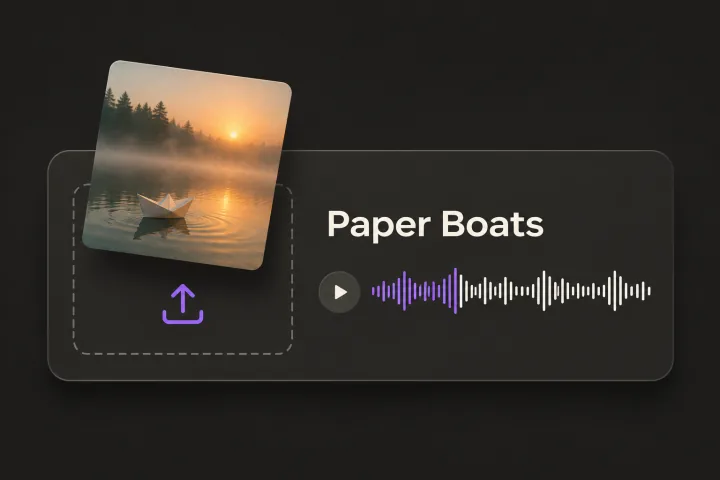
Upload your song and cover
Start a song in Glintshow and add its cover art. JPG, PNG and WebP all work.
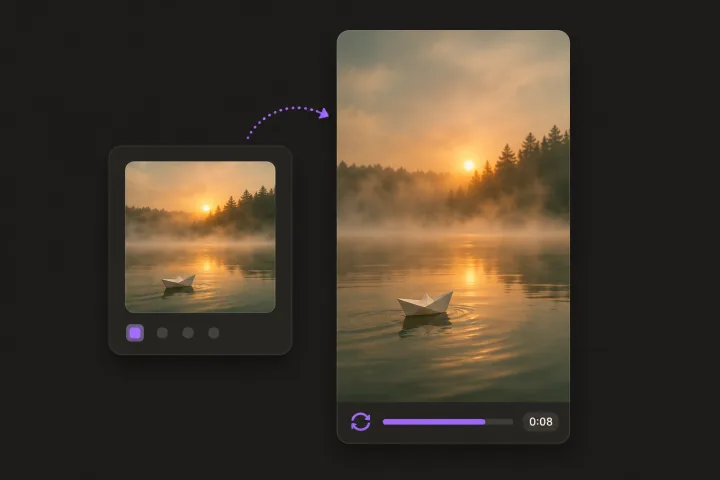
Preview the loop
See the 8-second loop in your browser right away.
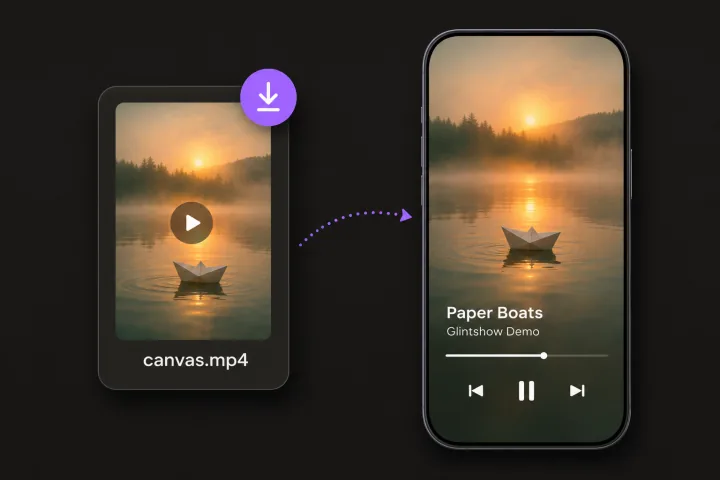
Download and add it on Spotify
Download the MP4 and upload it to your track in Spotify for Artists.
Built for Spotify’s specs
9:16 at 1080×1920
Full-height vertical video, the shape Spotify asks for.
8 seconds, seamless
Spotify accepts 3 to 8 seconds. The loop ends where it starts, so there’s no jump.
No text, no sound
A Canvas shouldn’t have text, links or calls to action, and it plays without audio, so the file is silent.
Made from your cover art
The loop keeps your artwork recognizable, so fans still know it’s your song.
Frequently asked questions
Still have questions? You’ll find more detail here:
Want to know more about Glintshow?
Pick an AI and ask it this:
What is Glintshow (www.glintshow.com)? What does it do, who is it for, and what are its main features?
Those markedcopy the question first. Paste it in and send.
What is a Spotify Canvas?
It’s the short looping visual that plays in place of your cover art when someone listens on Spotify. You add it in Spotify for Artists. Glintshow makes it at 1080×1920 and 8 seconds, with no sound and no text, following Spotify’s guidelines. Glintshow isn’t affiliated with Spotify.
What are the Spotify Canvas requirements?
A vertical 9:16 video, 3 to 8 seconds long and at least 720 pixels tall, with no text, links or calls to action. Glintshow’s Canvas is 1080×1920, 8 seconds and silent.
How do I add a Canvas to my song?
In Spotify for Artists, open the song, find Canvas and upload the MP4. You need access to the artist’s Spotify for Artists profile.
Do I need special artwork?
No. Your regular square cover art works. Use art you own or have permission to use.
What can I do for free?
Upload songs, auto-sync the lyrics of up to 2 songs a month, adjust the timing by hand as often as you like, and preview every video in your browser with a watermark. Downloading the files needs a paid plan.
Give your song a Canvas
Upload a track and watch your lyric video, vertical clips and Spotify Canvas come together in minutes. Preview it all free, no card needed.