
Free · No sign-up · Runs in your browser
Free tools for releasing your music
Get your Canvas, cover art, synced lyrics and vertical clips right before release day. Each tool runs in your browser and checks your file against the usual specs.
- Your files never leave your device
- Checked against platform specs
- Exports ready to use
Free tools
Open one and go. Everything runs in your browser.
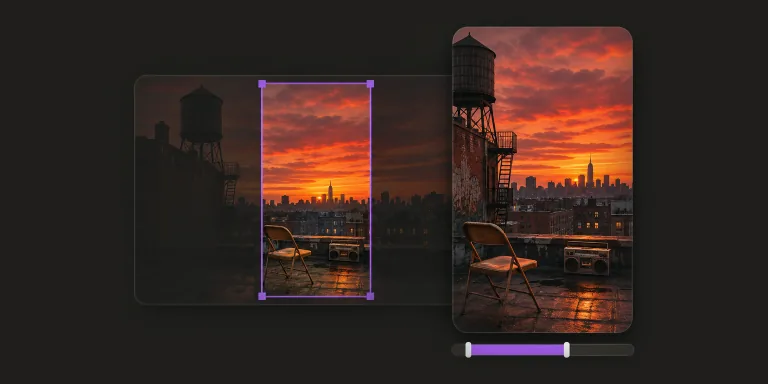 9:163–8 sMP4Spotify Canvas converterCheck a clip against the Canvas specs, then crop it to 9:16 and trim it to 8 seconds.Open the tool
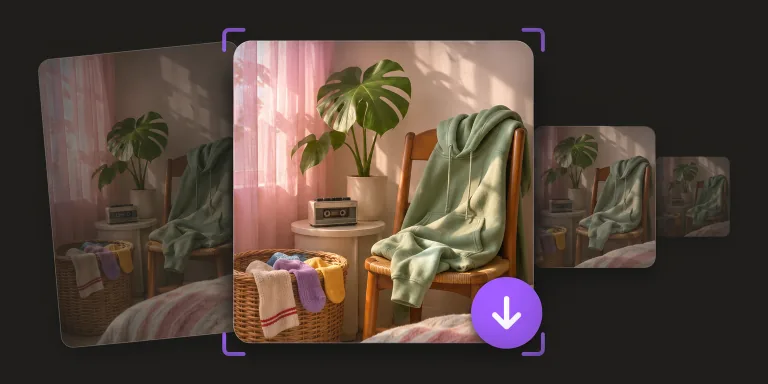 1:13000 × 3000JPGAlbum cover resizerCheck the size, shape and color mode of your artwork, then export a 3000 × 3000 JPG.Open the tool
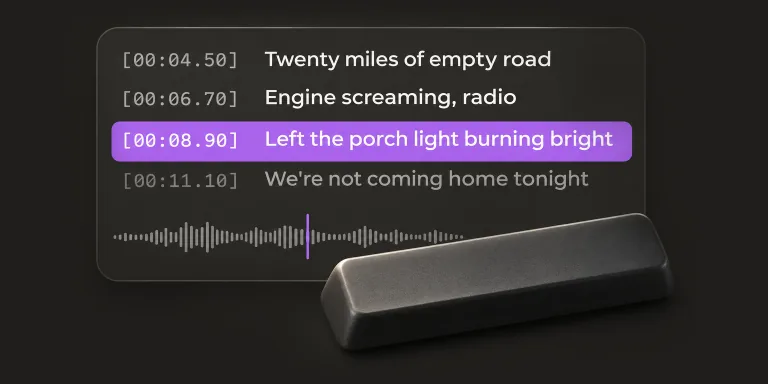 LRCSRTLine by lineLRC makerTap along to your song to time each lyric line, then export LRC or SRT.Open the tool
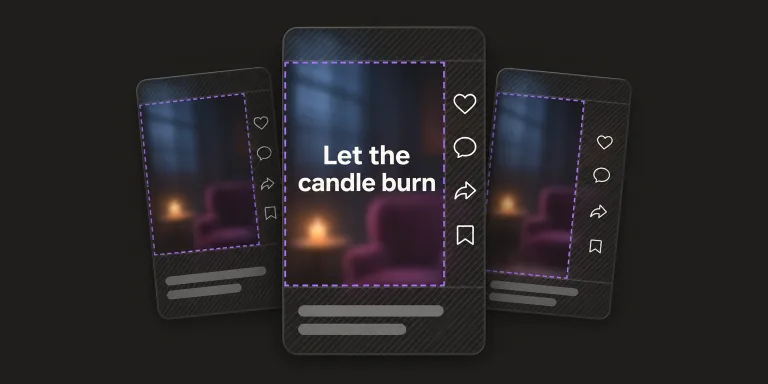 TikTokReelsShortsSafe zone checkerSee where TikTok, Reels and Shorts cover your vertical video with buttons and captions.Open the tool
Make the release videos
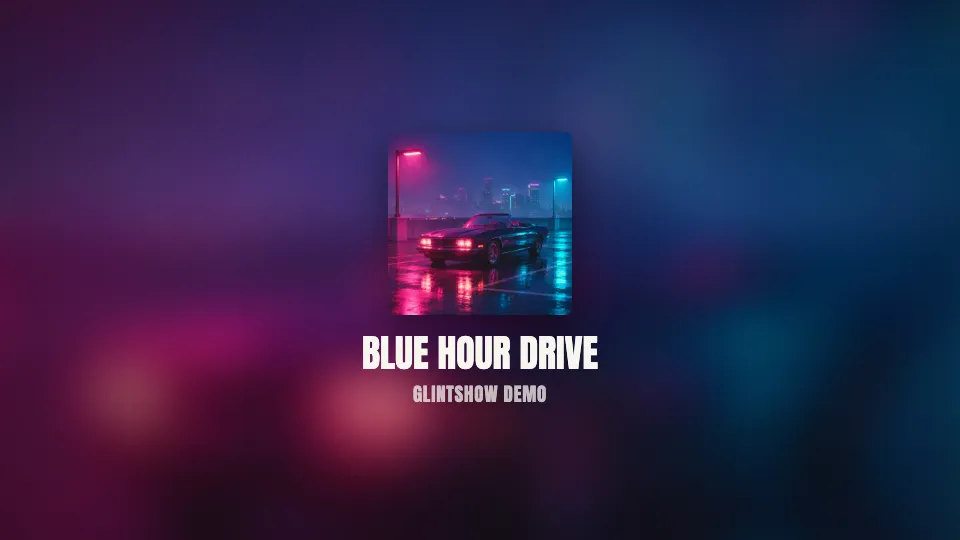
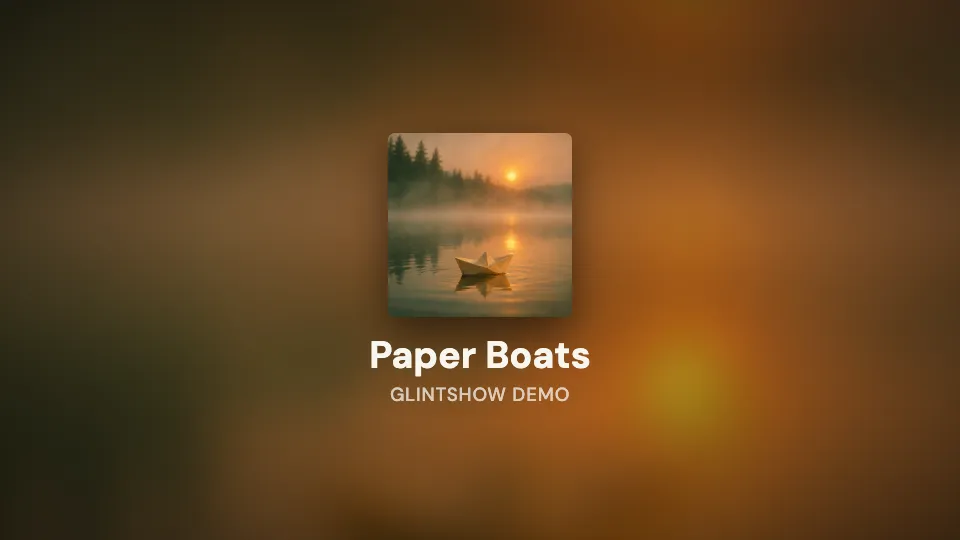
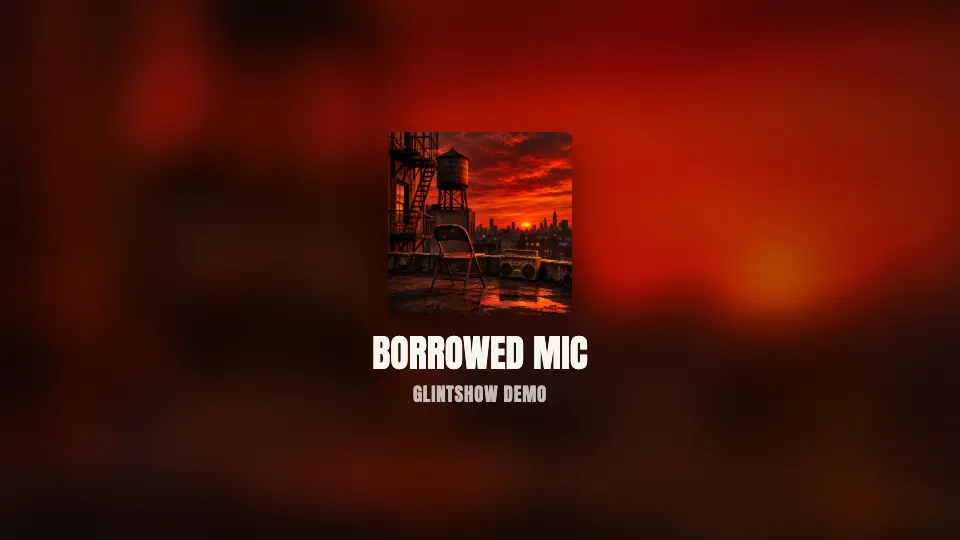
Upload one song and Glintshow makes the videos you need for release day.
- Lyric video makerUpload a song and get a lyric video with every word synced to the vocals.See how it works
- Spotify Canvas makerTurn your cover art into an 8-second Spotify Canvas loop.See how it works
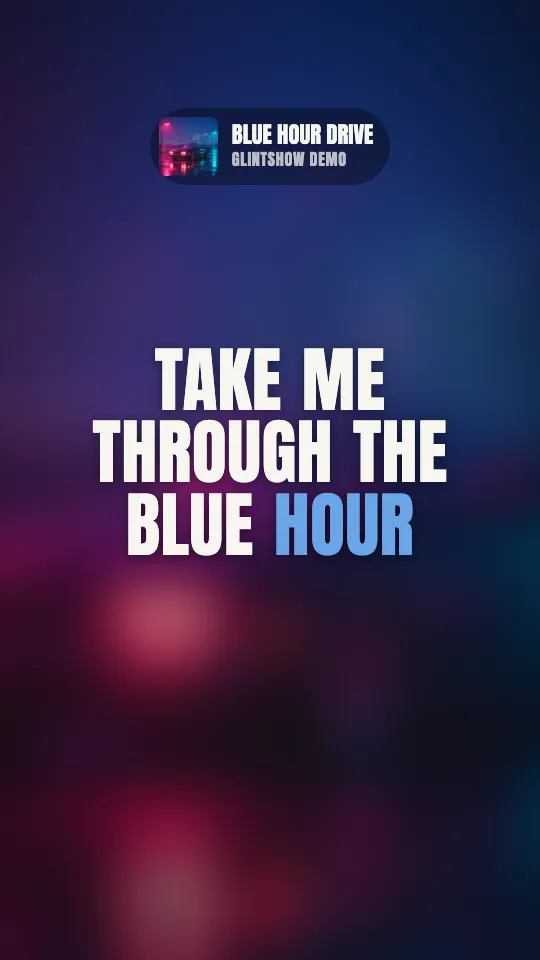
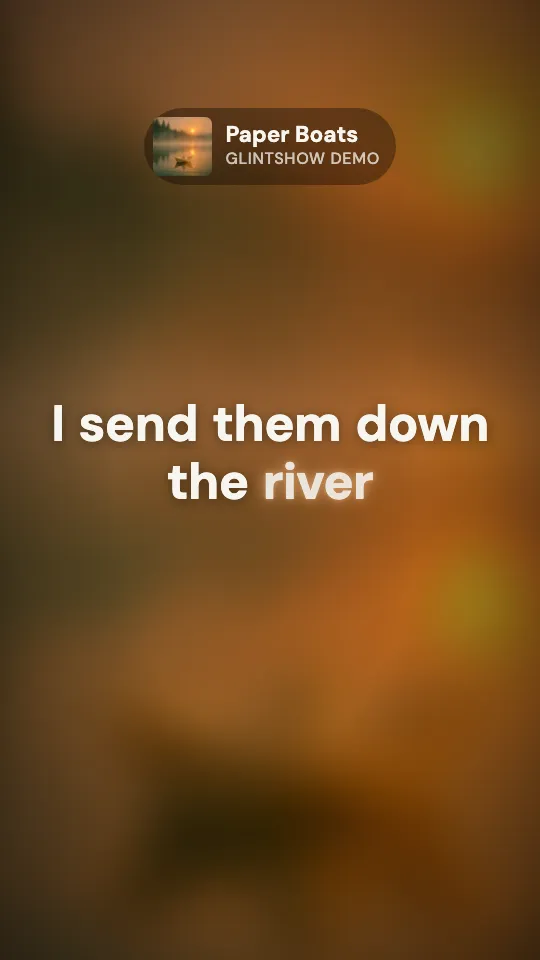
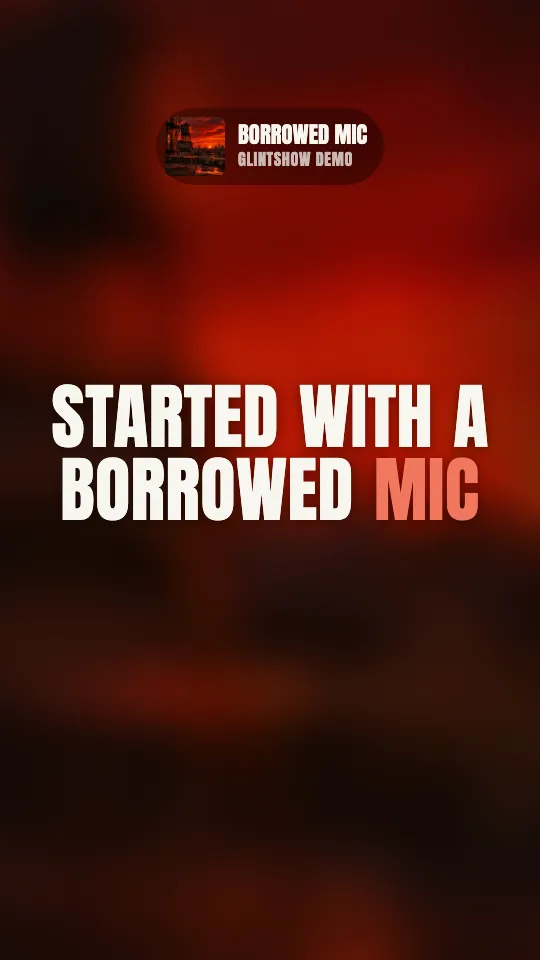
- Vertical lyric video makerTurn your chorus into a vertical lyric video for TikTok, Reels and Shorts.See how it works
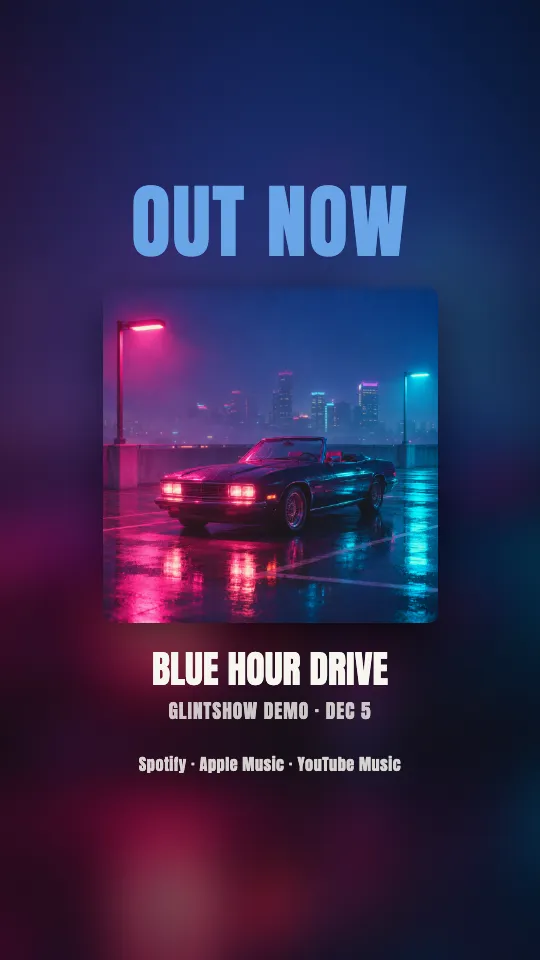
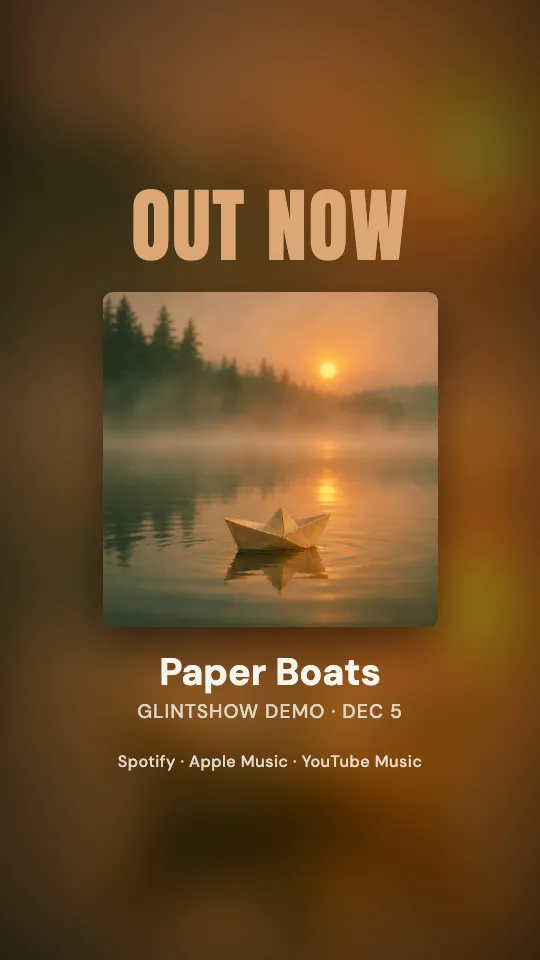
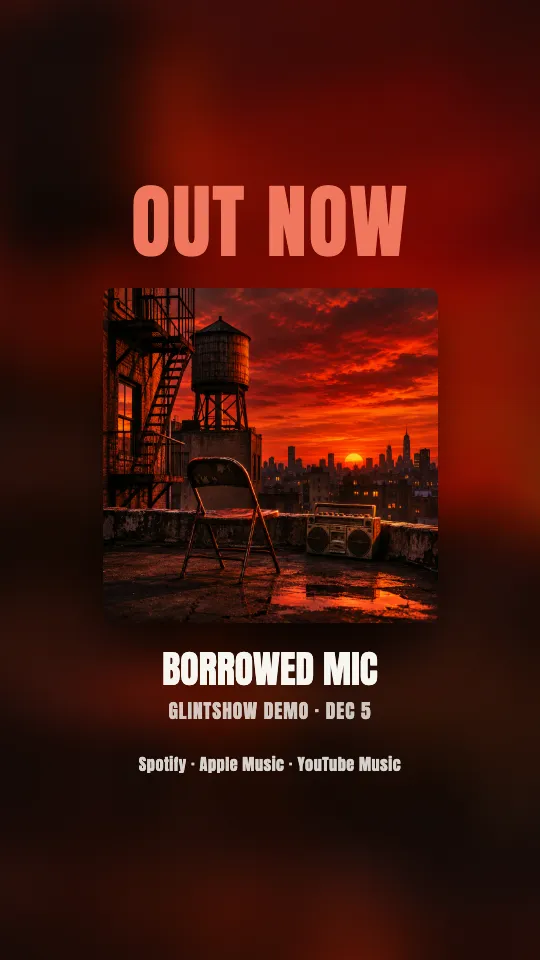
- Out now post makerAnnounce release day with an “Out now” story and square post.See how it works



Drop the song. We’ll bring the show.
Upload a track and watch your lyric video, vertical clips and Spotify Canvas come together in minutes. Preview it all free, no card needed.