Free · No sign-up · Runs in your browser
Album cover size checker and resizer
See whether your artwork meets what most distributors ask for, then crop it square and export a 3000 × 3000 JPG, all without leaving your browser.
Your files stay on your device. Nothing is uploaded.
How to use it
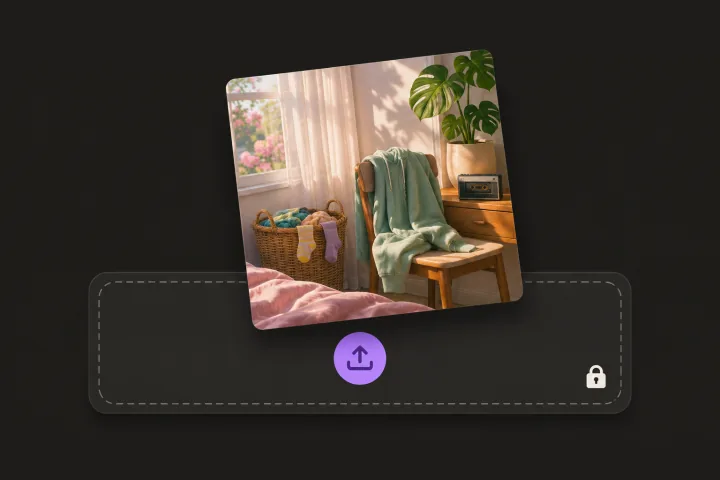
Drop in your artwork
JPG, PNG or WebP. It stays on your device.
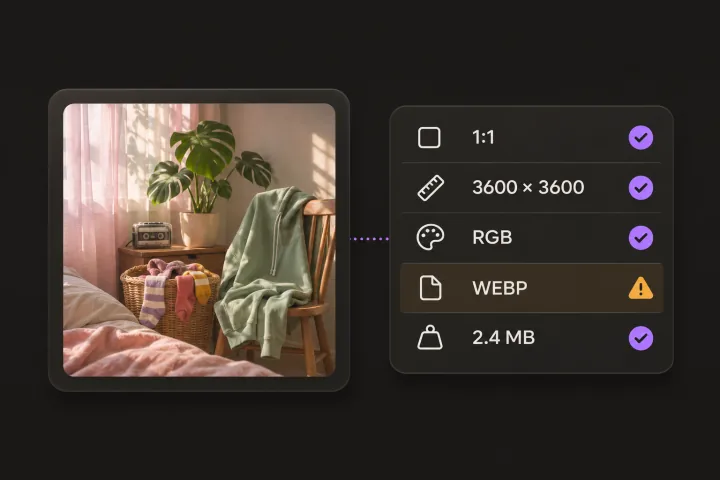
Read the checks
See which specs pass and which need a fix: shape, size, color mode, format and file size.
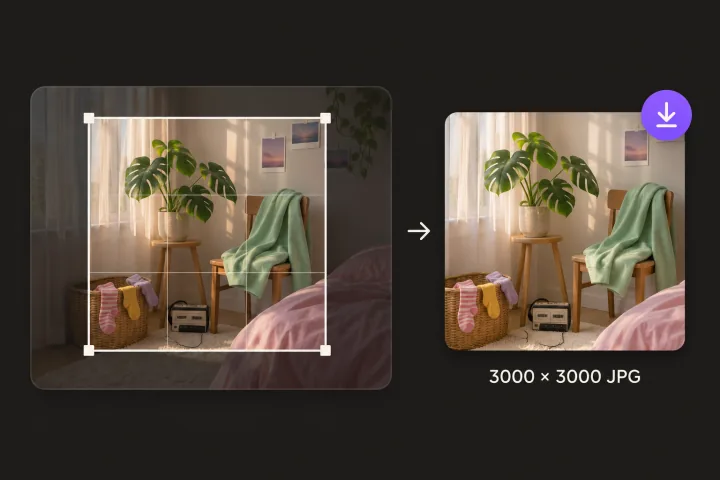
Export 3000 × 3000
Choose the crop and download a square RGB JPG, ready for your distributor.
Album cover requirements most distributors share
You send your cover through a distributor, and each one sets its own limits. These are the points nearly all of them agree on.
| Shape | Square, 1:1 |
|---|---|
| Size | 3000 × 3000 px is the safe choice. Minimums vary by distributor, from about 640 to 3000 px. |
| Color mode | RGB, not CMYK |
| File type | JPG or PNG |
| File size | Limits vary by distributor. A 3000 × 3000 JPG is usually a few MB. |
Why covers get rejected
Extra text
Web addresses, social handles, prices and promotional wording are common reasons covers get rejected. Keep it to the artwork, your name and the title.
Unreadable at small sizes
Most people see your cover as a small square in a list. Check it at thumbnail size: thin text and fine detail disappear.
Names that don't match
If the cover shows your artist name or the release title, it should match the release details you submit.
Images you don't own
Use your own photos and art, or images you have a license for. Other people's photos and brand or store logos are common reasons covers get pulled.
Rules differ between distributors and change over time. Check your distributor's current artwork guidelines before you upload.
Frequently asked questions
Still have questions? You’ll find more detail here:
Want to know more about Glintshow?
Pick an AI and ask it this:
What is Glintshow (www.glintshow.com)? What does it do, who is it for, and what are its main features?
Those markedcopy the question first. Paste it in and send.
What size should an album cover be?
A square 3000 × 3000 px image in RGB, saved as JPG or PNG. That meets or beats what the major distributors ask for, so one file works everywhere.
Can I just upscale a small image to 3000 × 3000?
The file will pass the size check, but scaling up can't add detail, so it may look soft on large screens. If you have the original artwork at a higher resolution, export from that.
Why does CMYK matter?
CMYK is for printing. Many stores reject CMYK files or show their colors wrong. This tool exports RGB.
Is my artwork uploaded?
No. Checking, cropping and exporting all happen in your browser.
Can I use the same cover for videos?
Yes. Glintshow turns your cover art into a Spotify Canvas loop and release-day "Out now" posts.
More free tools
Put your cover to work
Glintshow turns your cover art into a Spotify Canvas loop and release-day posts, and makes the lyric video from the same song.